
Demo Guide
What to click, who to sign in as, and what to ask — for a walkthrough, a screen recording, or your first ten minutes with the app.
Start the stack first: Quick Start. The fast path is ./scripts/dev.sh --demo, which pulls prebuilt images rather than building.
Test Users
Pre-seeded accounts for testing different roles:
| Password | Role | Loyalty Tier | |
|---|---|---|---|
admin.demo@gmail.com | admin123 | Admin | Gold |
seller.demo@gmail.com | seller123 | Seller | Bronze |
seller2.demo@gmail.com | seller123 | Seller | Bronze |
alice.johnson@gmail.com | customer123 | Customer | Gold |
bob.smith@gmail.com | customer123 | Customer | Silver |
Agent Catalog
| Agent | Port | Description | Key Tools |
|---|---|---|---|
| Customer Support (Orchestrator) | 8080 | Routes requests to specialists via A2A | call_specialist_agent |
| Product Discovery | 8081 | Search, semantic search, comparisons, trending | search_products, semantic_search, compare_products |
| Order Management | 8082 | Order tracking, cancellation, returns, refunds | get_user_orders, cancel_order, initiate_return |
| Pricing & Promotions | 8083 | Coupon validation, cart optimization, loyalty | validate_coupon, optimize_cart, get_active_deals |
| Review & Sentiment | 8084 | Sentiment analysis, fake review detection | analyze_sentiment, detect_fake_reviews |
| Inventory & Fulfillment | 8085 | Stock, shipping estimates, fulfillment planning | check_stock, estimate_shipping |
Demo Scenarios
Try these in the chat after logging in:
- Product Search: “Find me wireless headphones under $300 with good noise cancellation”
- Comparison: “Compare the Sony WH-1000XM5 with AirPods Max”
- Order Tracking: “Where’s my latest order?”
- Return Flow: “I want to return my last order”
- Price Check: “Is the Logitech MX Master 3S a good deal right now?”
- Review Analysis: “What do people think about the Dyson V15?”
- Stock Check: “Is the Dyson V15 Detect in stock?”
- Multi-Intent: “Return my jacket and find me a warmer one under $200”
Screens
Screenshots — guest browsing, the AI shopping flow, and the platform (click to collapse)
### Guest experience (no login required) Anyone can browse the catalog, use the AI shopping assistant, and explore product details without creating an account.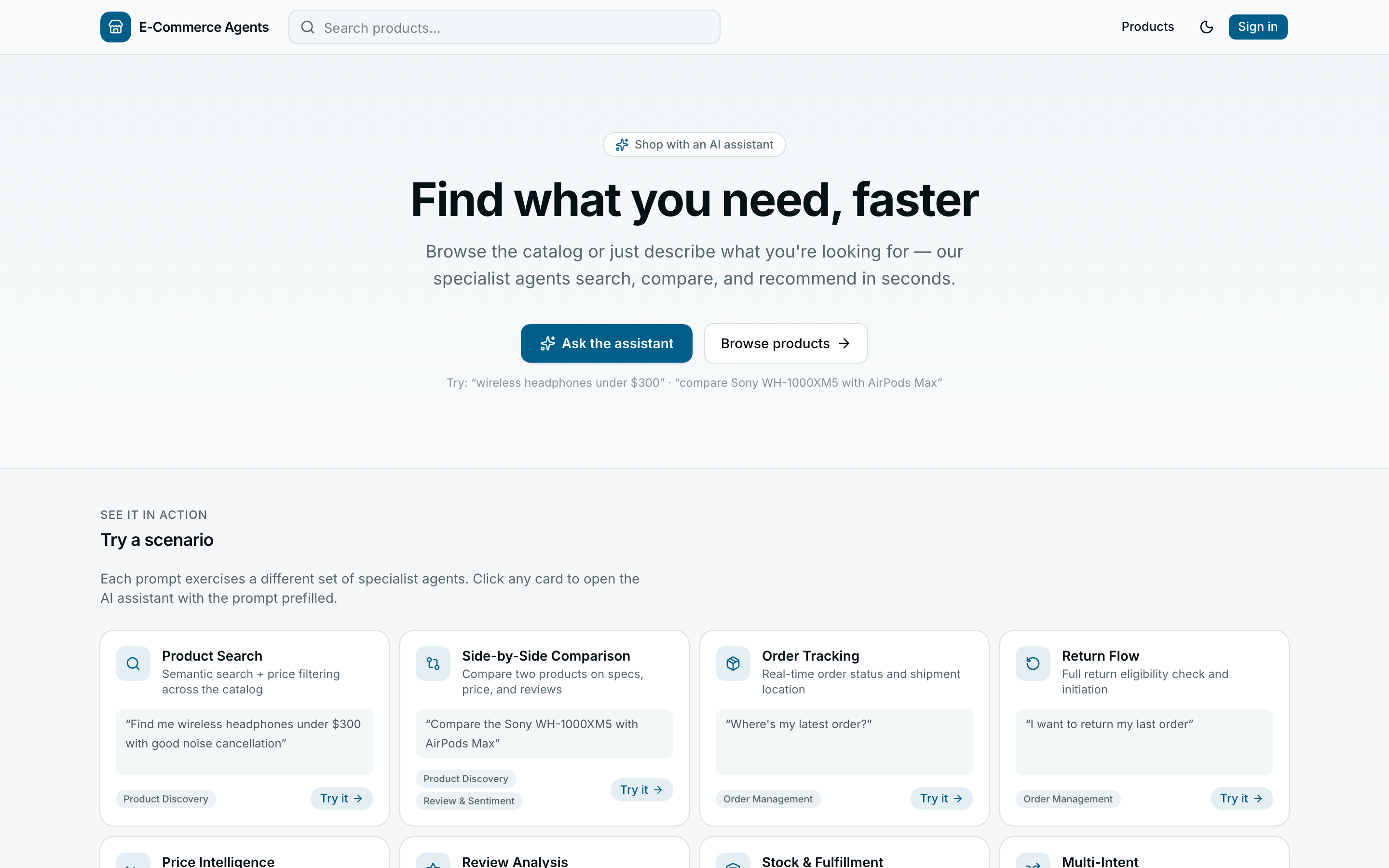 |
| Product detail — full info, pricing, reviews, and stock status |
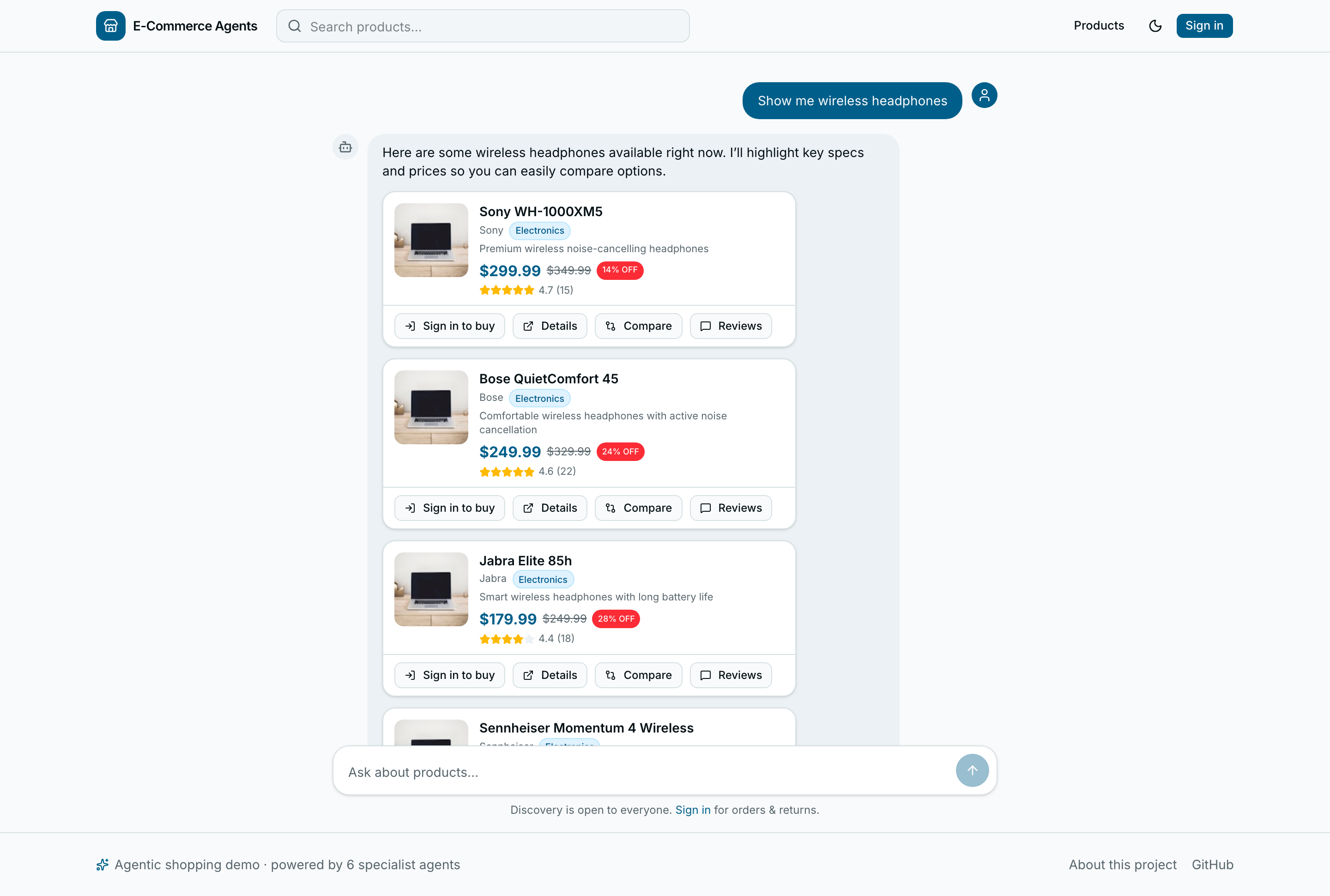 |
| AI shopping assistant — product questions answered via multi-agent routing, no login needed |
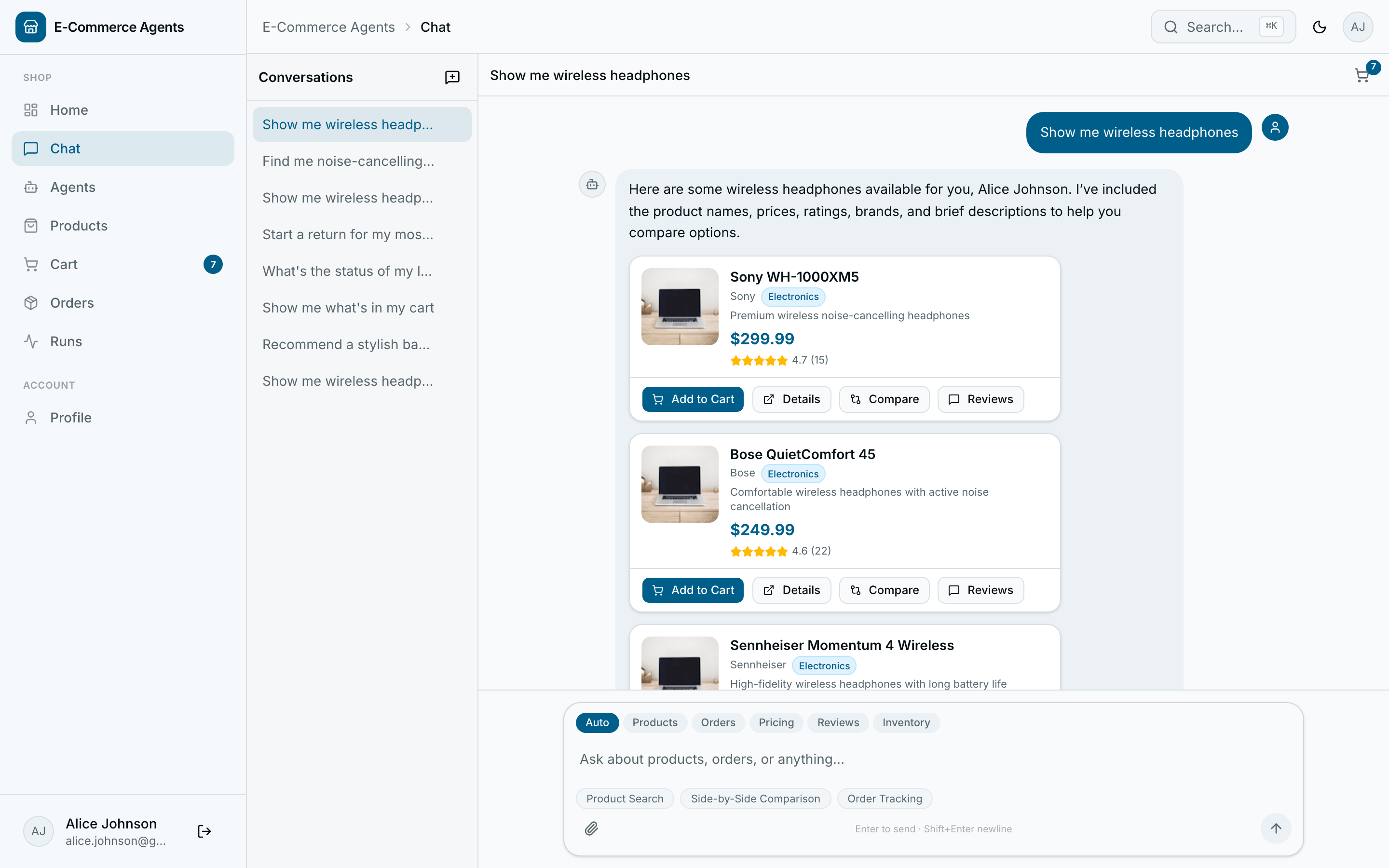 |
| Find a product — orchestrator routes to Product Discovery; results render as interactive cards |
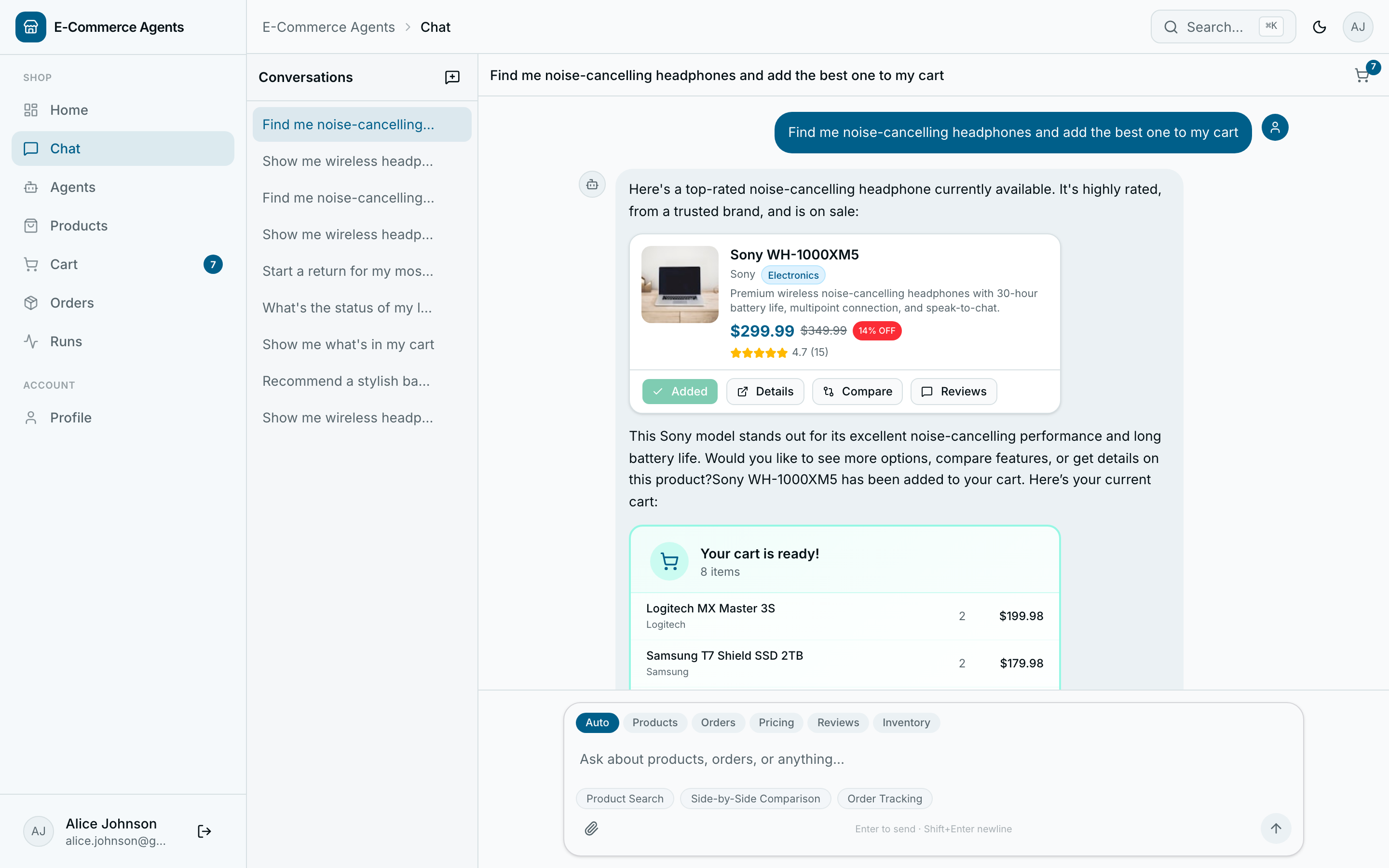 |
| Add to cart — ask the assistant; it calls the cart API and confirms with a card |
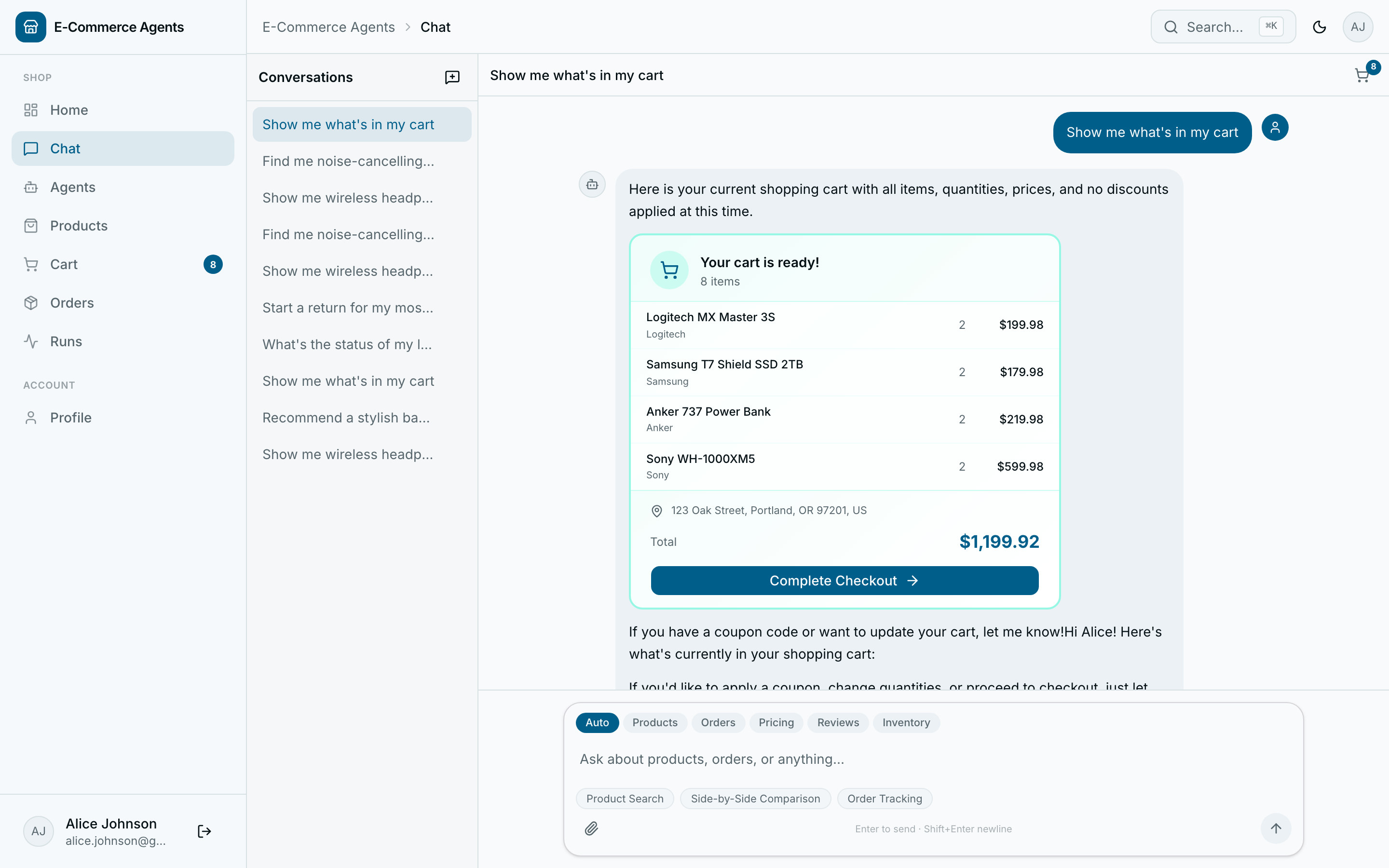 |
| View cart — the agent renders a cart summary with totals and a checkout link |
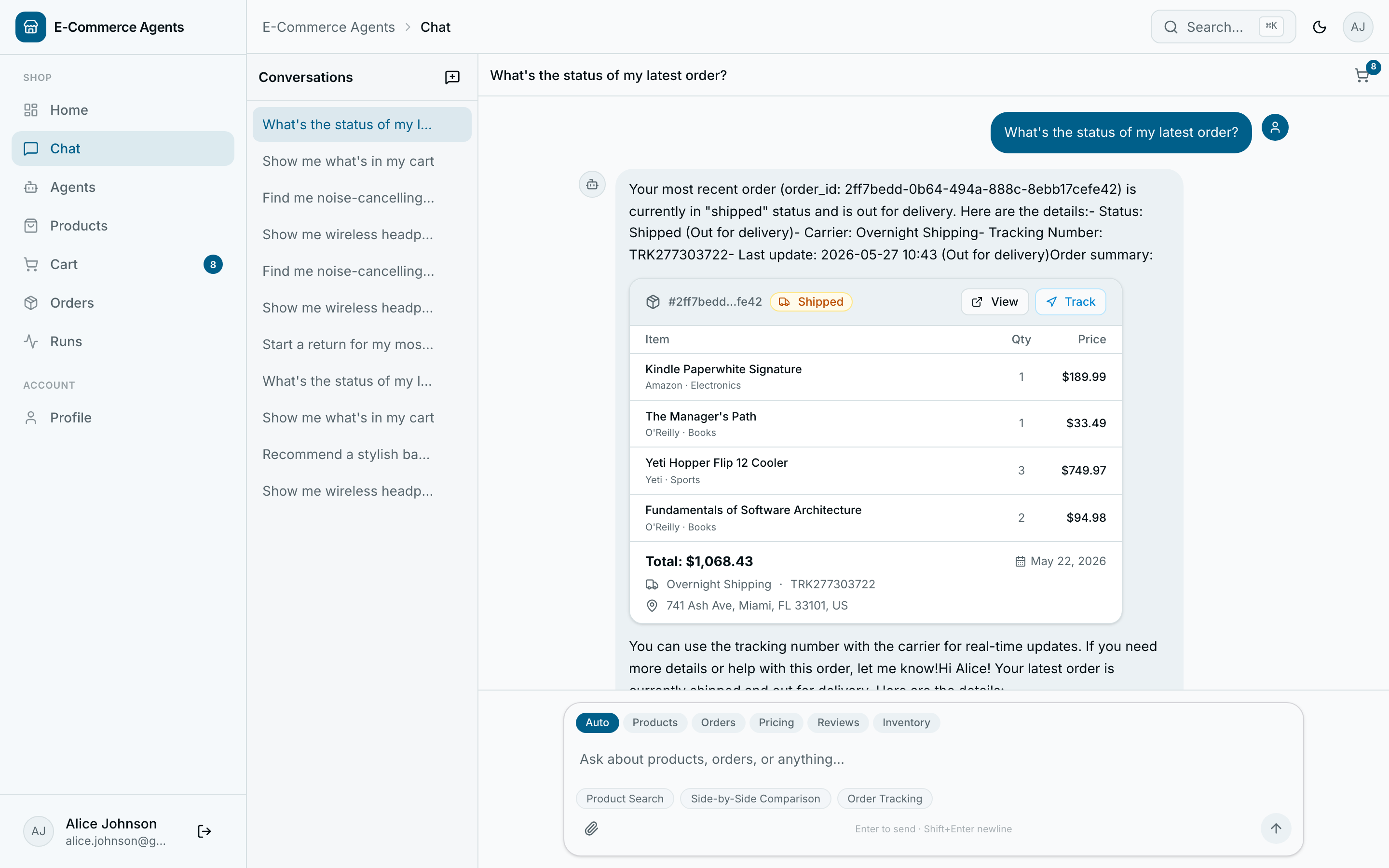 |
| Track an order — Order Management agent returns live status and shipment detail |
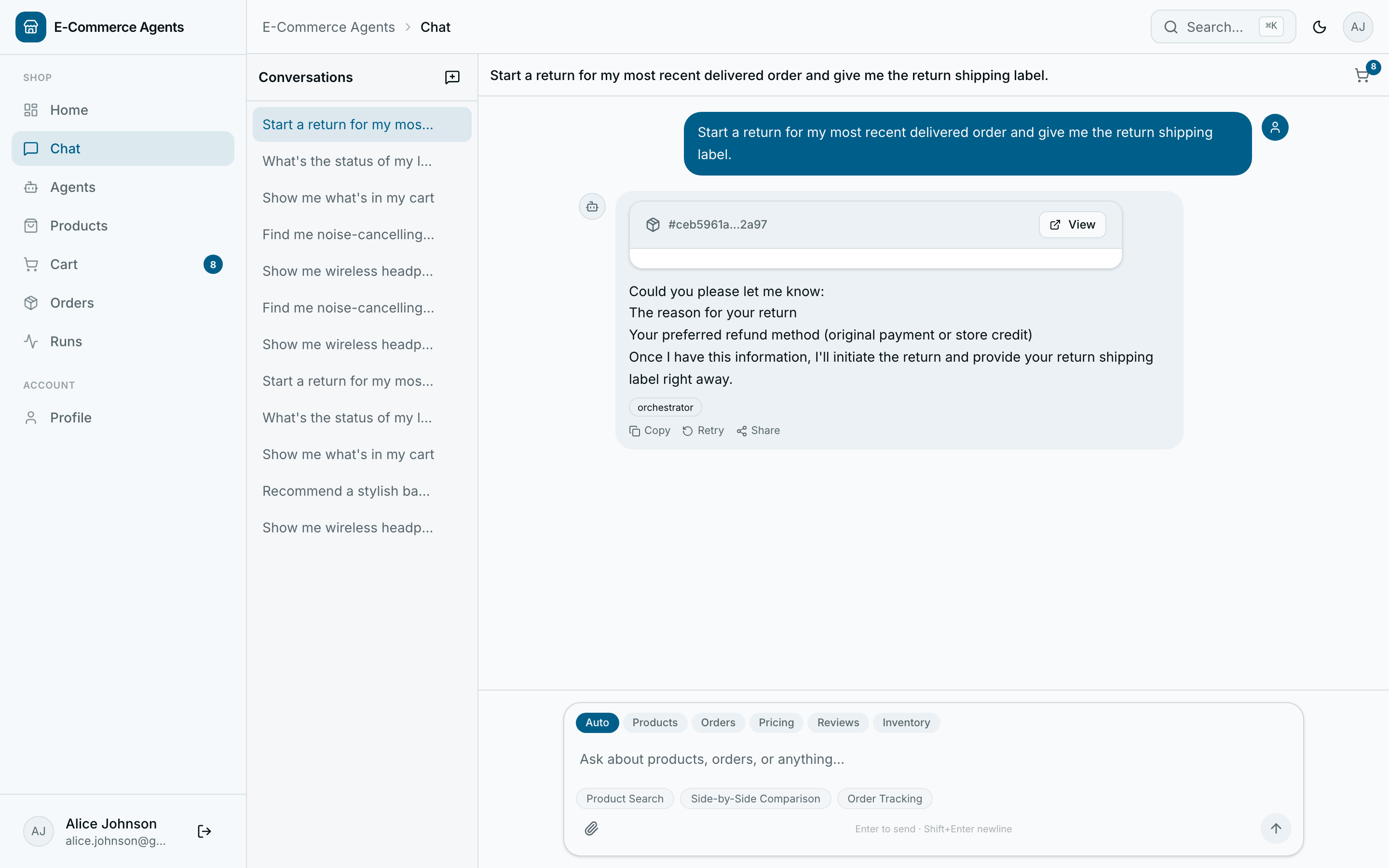 |
| Return / refund — agent initiates the return flow and issues a return label |
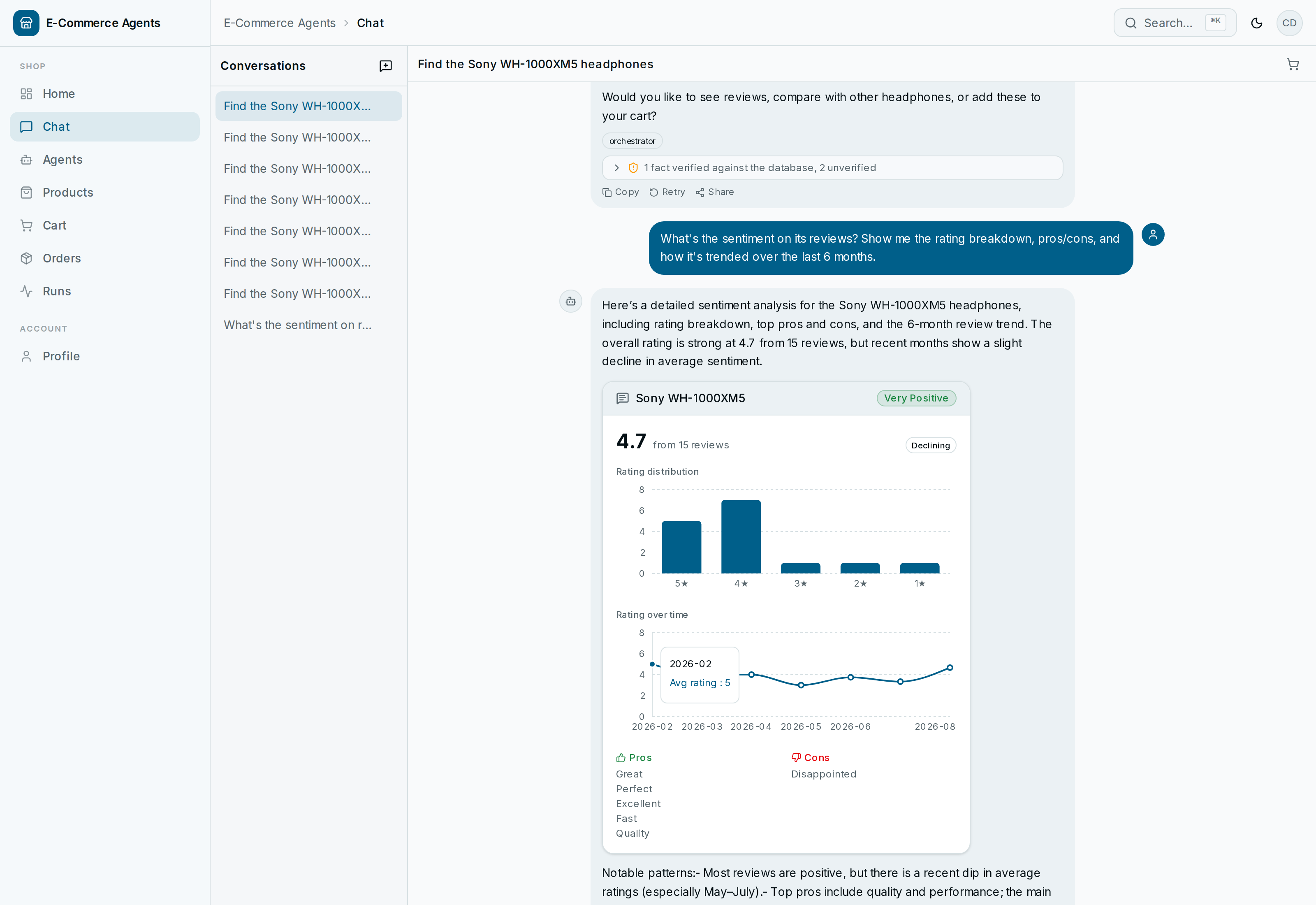 |
| Generative UI — the Review & Sentiment agent's data renders as an interactive card: a rating-distribution bar chart, a 6-month trend line chart, and tone-coded pros/cons, all picked from the shape of the data itself, not a fixed template |
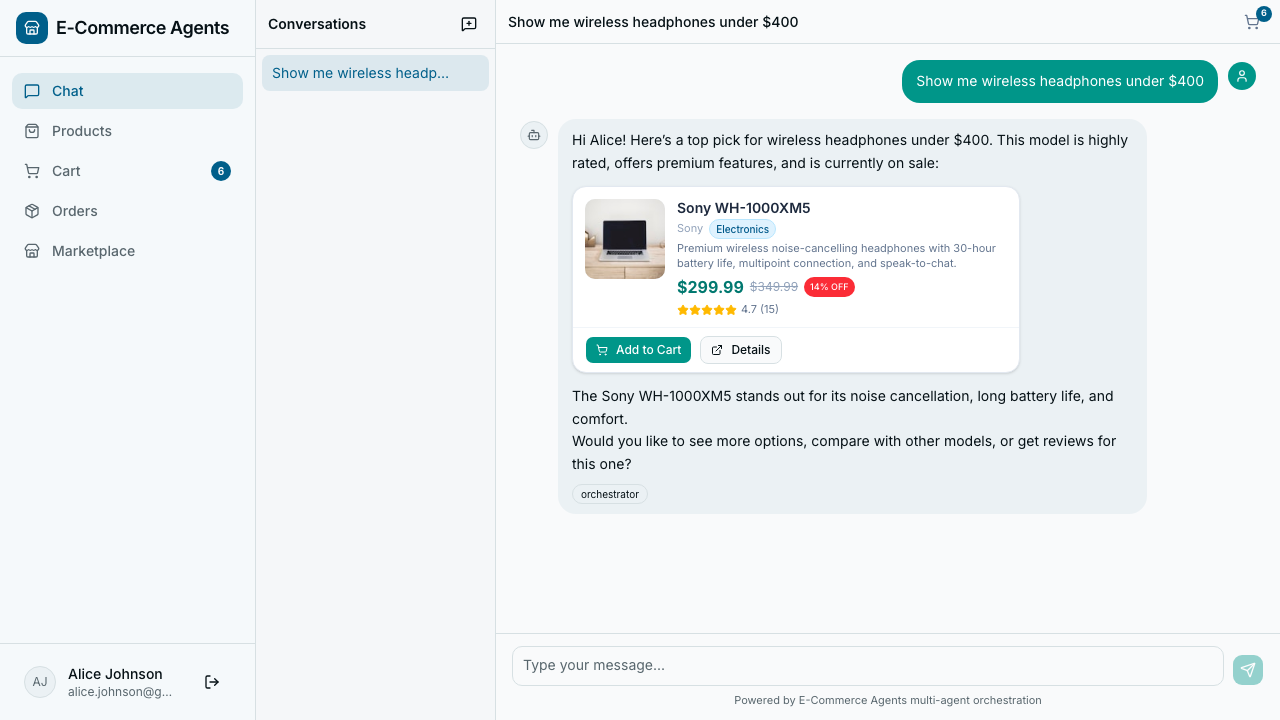 |
| Agent timeline — orchestrator → specialist → tool routing surfaced live in chat |
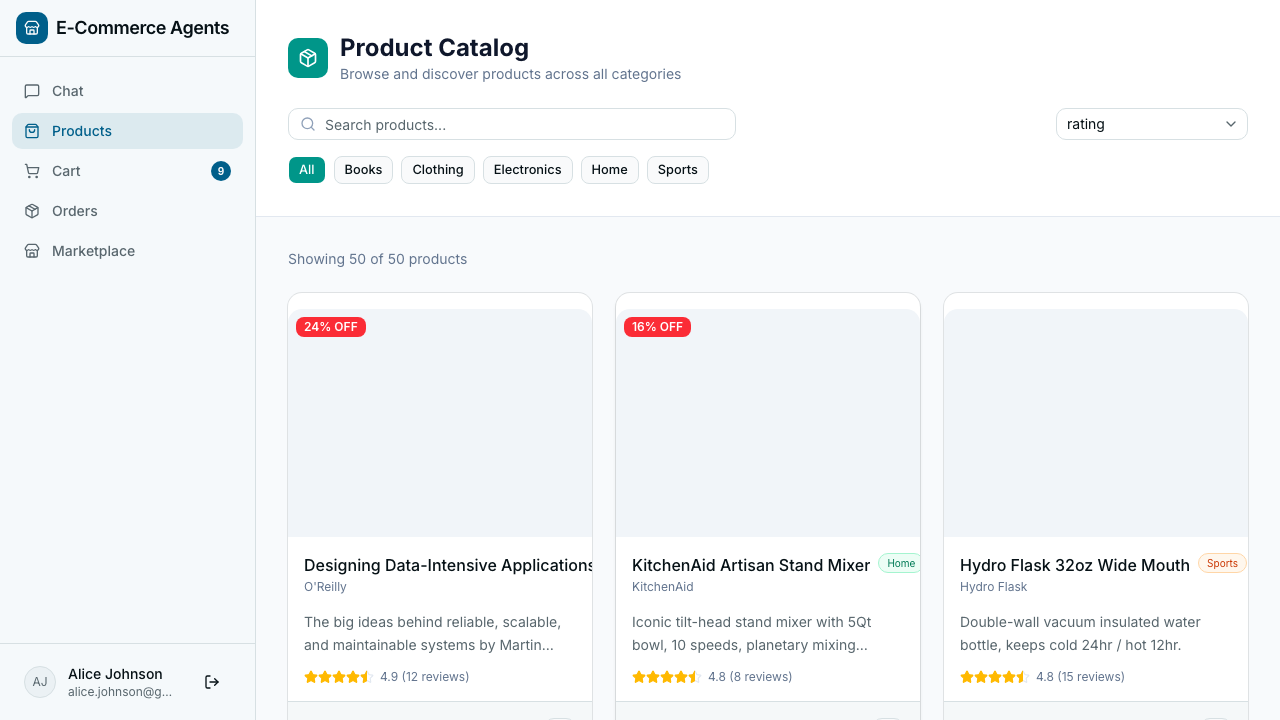 |
| Product storefront — authenticated view with cart and account access |
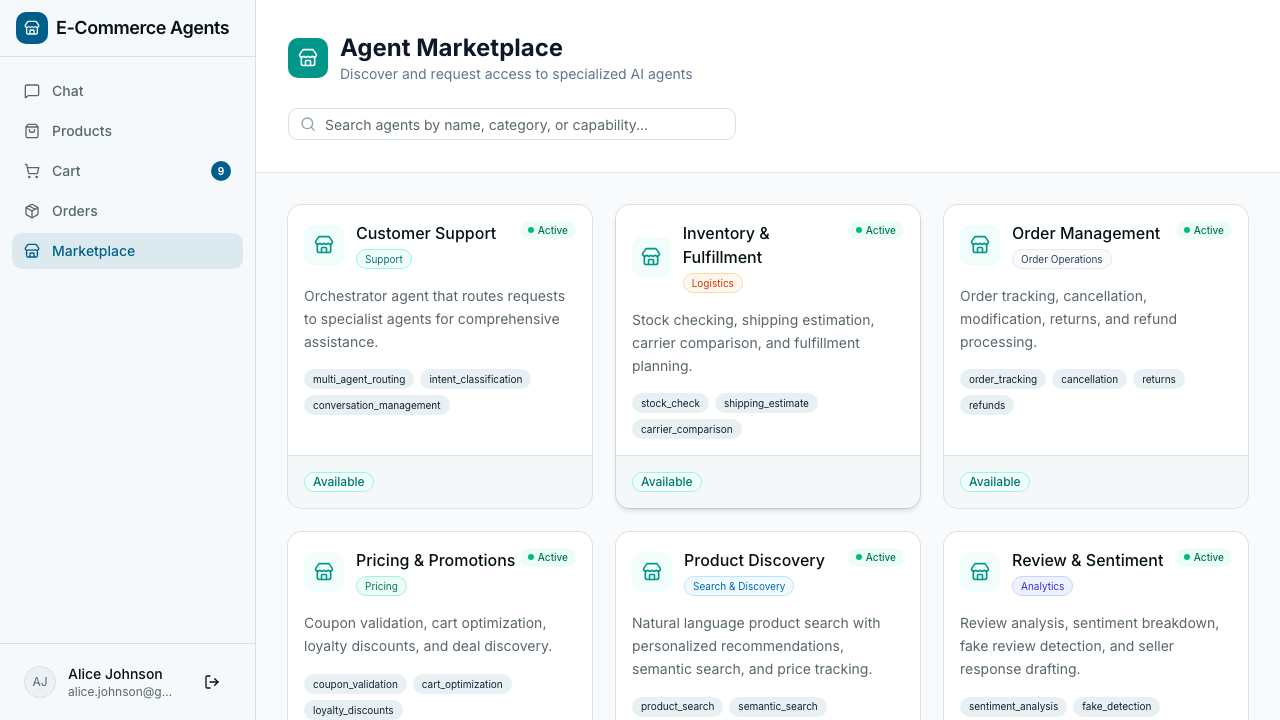 |
| Agent marketplace — browse, request, and manage specialist agent access |
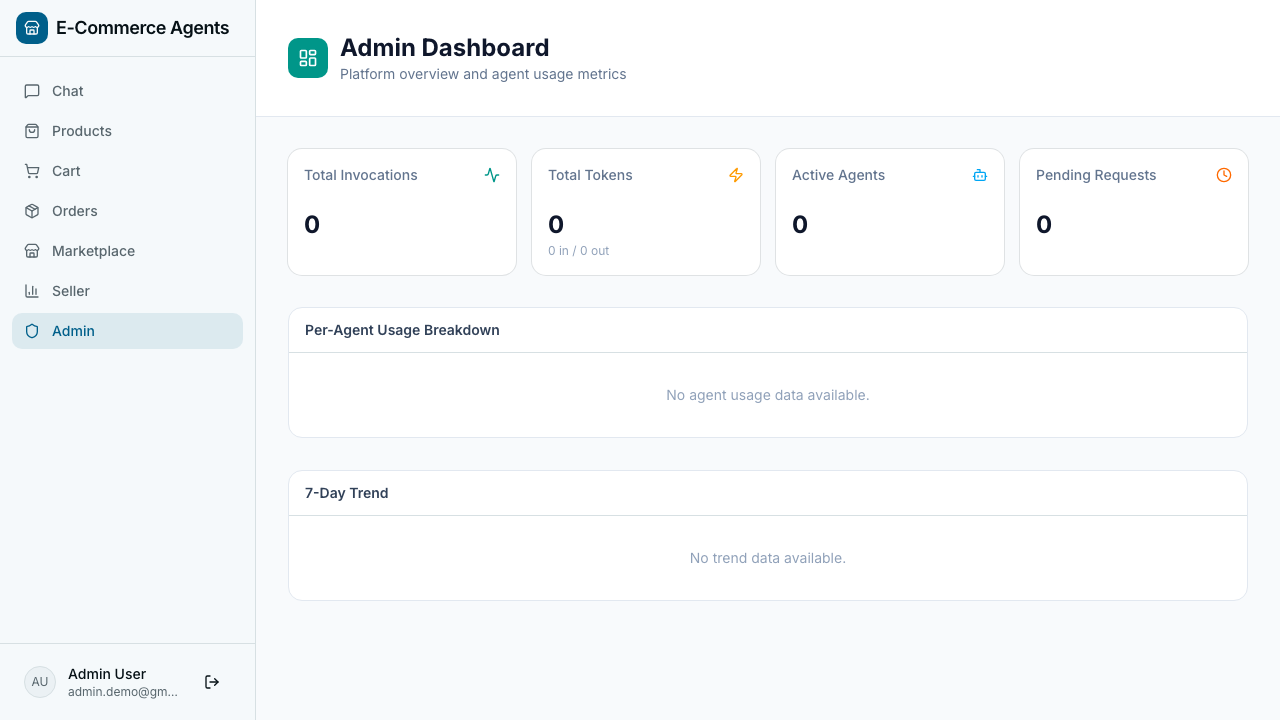 |
| Admin dashboard — usage analytics, approval queues, and audit log |
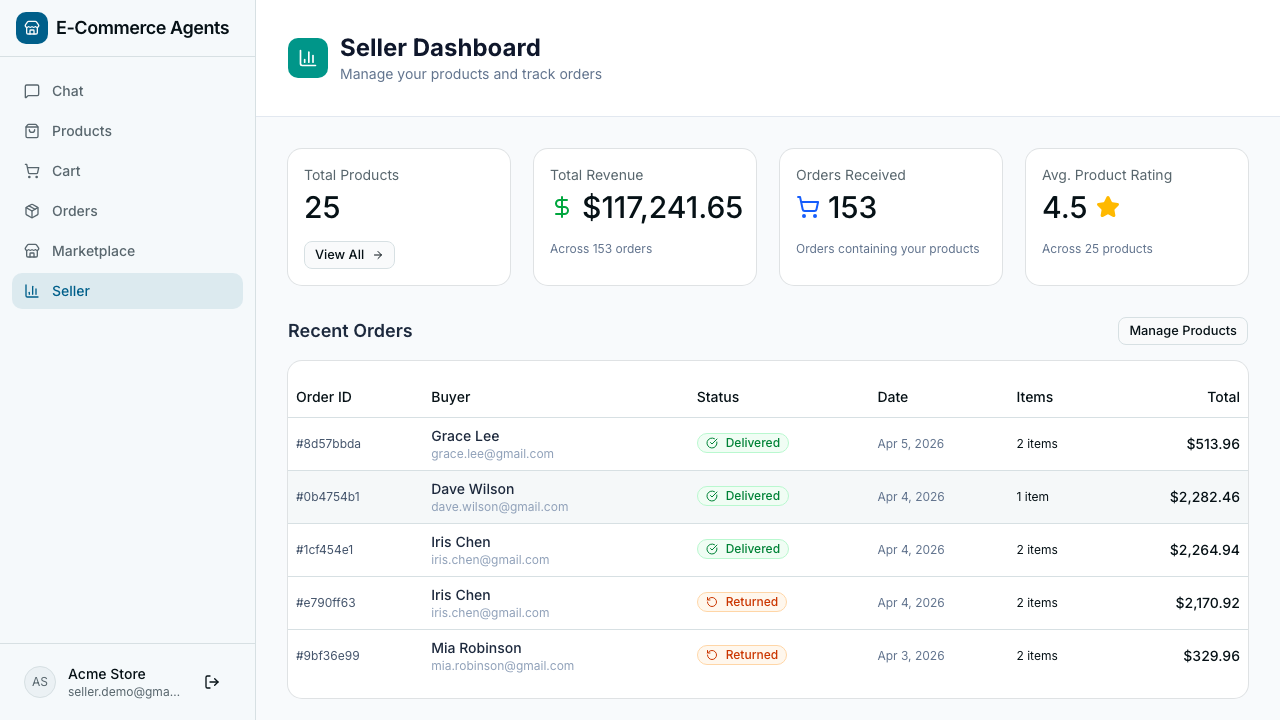 |
| Seller dashboard — product catalog and order management |
Source: docs/demo-guide.md — this page is generated from the repository.