1. Tags/

Dotnet

Implementing SharePoint File CRUD Operations using Microsoft Graph API

Deep Dive .NET · Dec 24, 2024 · 11 min read
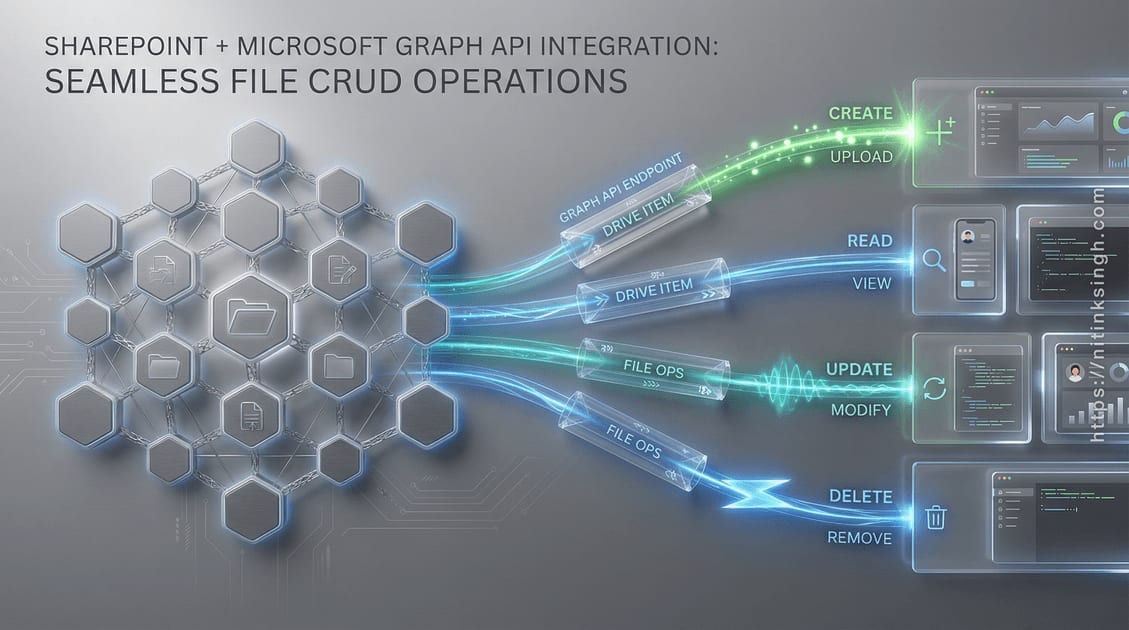
Introduction # Storing files in SharePoint from a .NET service sounds like it should be a solved problem, and it is, as long as you make one decision early: delegated or application permissions. That single choice changes who shows up as “Created by” on every file and whether your service needs a signed-in user at all. Get it wrong and you rebuild the auth layer later.
Implementing SharePoint File CRUD Operations using Microsoft Graph API

Validating Inputs with FluentValidation

Deep Dive .NET · Dec 1, 2024 · 6 min read
Introduction # Validation is the one part of a request I refuse to trust anywhere but the edge. Domain objects assume they are already valid; rejecting a malformed email or a missing name belongs at the API boundary, before that data reaches a service or a repository.
Validating Inputs with FluentValidation

Using Dapper for Data Access and Repository Pattern

Deep Dive .NET · Dec 1, 2024 · 9 min read
Introduction # On the Contact Management Application I reached for Dapper instead of Entity Framework Core, and the reason was boring: I wanted to see the SQL. EF Core is fine until a generated query does something surprising under load, and then you are reverse-engineering LINQ translations at 2 a.m.
Using Dapper for Data Access and Repository Pattern

Unit of Work Pattern and Its Role in Managing Transactions

Deep Dive .NET · Dec 1, 2024 · 6 min read
The bug that makes people care about the Unit of Work pattern is the partial write. An operation inserts a row in one table, fails on the second, and the database lands in a state nobody designed for. I’ve spent enough late evenings reconstructing “how did this record end up half-created” timelines to want transaction boundaries stated explicitly in code, not implied by hope.
Unit of Work Pattern and Its Role in Managing Transactions

Seeding Initial Data Using Docker Compose and SQL Scripts

Deep Dive .NET · Dec 1, 2024 · 6 min read
Introduction # Nothing kills momentum on a new project like cloning the repo, running docker compose up, and landing on an empty database. No roles, no permissions, no login, so nothing works until someone reads the wiki and hand-runs a SQL script. On the Contact Management Application I wanted docker compose up to be the whole setup: containers come up, the schema seeds itself, and you can log in.
Seeding Initial Data Using Docker Compose and SQL Scripts

Implementing AutoMapper for DTO Mapping with Audit Details

Deep Dive .NET · Dec 1, 2024 · 6 min read
Early versions of the Contact Management Application had the same four lines at the end of every create and update method: set CreatedBy, set CreatedOn (or their Updated* twins), then save. Copy-pasted audit code gets forgotten just often enough to make the audit columns untrustworthy, and an audit column you can’t trust is worse than none. Moving that logic into AutoMapper profiles fixed it in one place.
Implementing AutoMapper for DTO Mapping with Audit Details

Implementing Activity Logging with Custom Attributes

Deep Dive .NET · Dec 1, 2024 · 6 min read
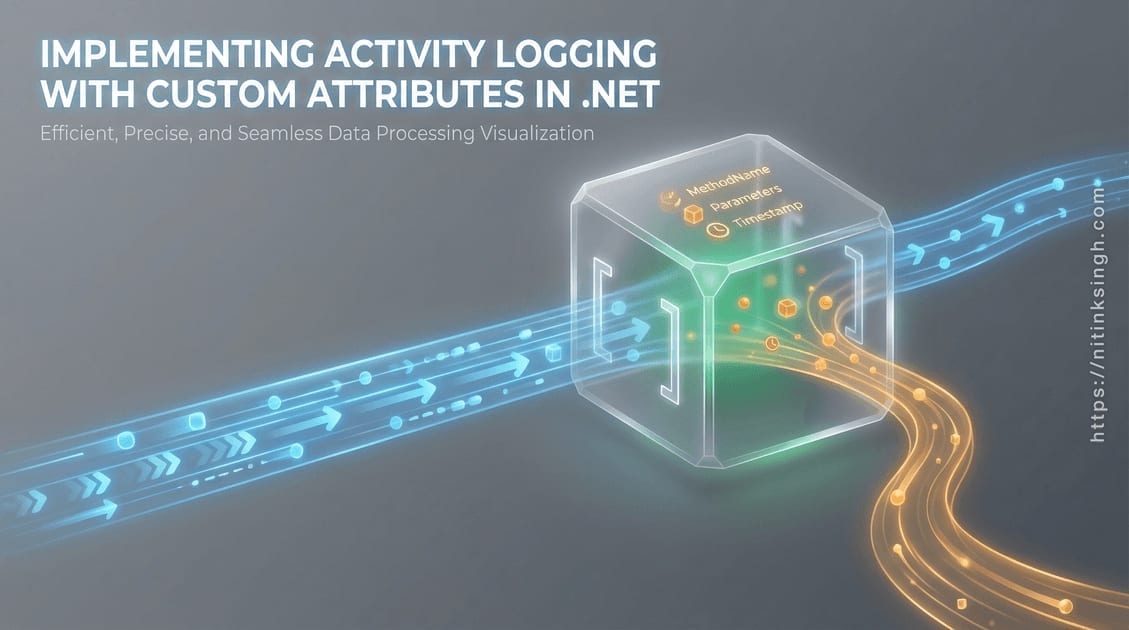
The first version of audit logging in the Contact Management Application was what most codebases end up with: _logger.LogInformation("Creating contact...") copy-pasted into every controller action. It worked, until someone forgot one, and the one they forgot was of course the action the auditors asked about. Logging that depends on developer discipline isn’t an audit trail; it’s a suggestion.
Implementing Activity Logging with Custom Attributes

Handling Authorization and Role-Based Access Control (RBAC)

Deep Dive .NET · Dec 1, 2024 · 19 min read
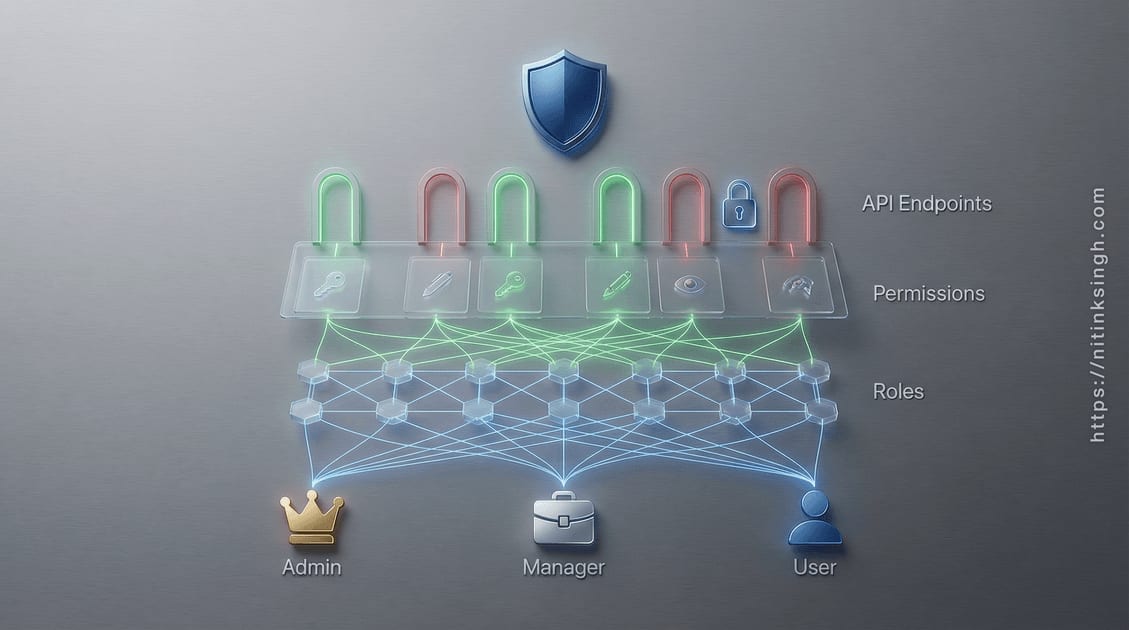
Introduction # Static role checks ([Authorize(Roles = "Admin")]) fall apart the first time someone asks you to add a permission without a redeploy. Once roles and permissions have to change at runtime, hard-coded role attributes become a liability. The Contact Management Application takes a different route: a dynamic policy provider that builds authorization policies from the database at request time, covering both the backend API and the Angular frontend, wired into JWT authentication without breaking the separation of concerns Clean Architecture expects.
Handling Authorization and Role-Based Access Control (RBAC)

Error Handling and Exception Management in the API

Deep Dive .NET · Dec 1, 2024 · 6 min read
An unhandled exception in a default ASP.NET Core API gives the client an empty 500 and gives you a stack trace in a log nobody is watching. The only thing worse is the API that returns the stack trace to the caller. The Contact Management Application takes the middle path: one middleware catches everything, maps known exception types to sensible status codes, returns a predictable JSON shape, and logs the details server-side. This post walks through that implementation and where I would lean on the newer built-in alternatives instead.
Error Handling and Exception Management in the API

Dockerizing the .NET Core API, Angular and MS SQL Server

Deep Dive .NET · Dec 1, 2024 · 10 min read
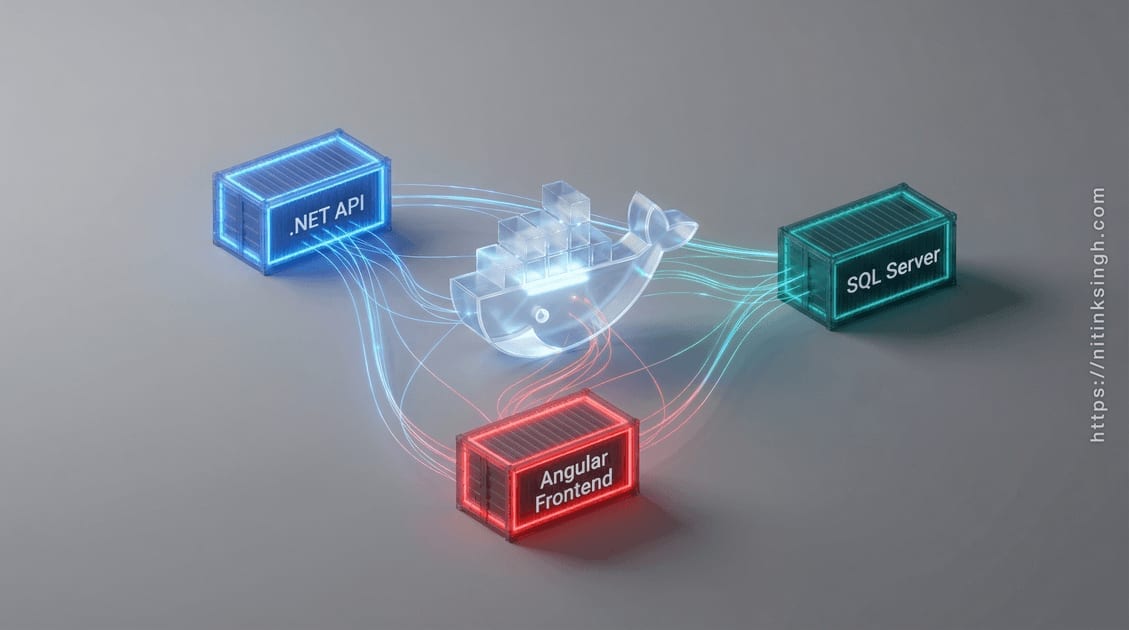
Getting the Contact Management Application running used to mean installing the .NET SDK, Node, and a local SQL Server, then hoping the versions matched mine. That is three toolchains of setup before anyone sees a login page. Containerizing the stack collapses all of it into docker-compose up --build: the API, the Angular frontend, SQL Server, and an nginx load balancer come up together, wired the same way on every machine. This post walks through the Dockerfiles and compose files that make that work, including the parts I would do differently today.
Dockerizing the .NET Core API, Angular and MS SQL Server

Dependency Injection Setup Across Layers

Deep Dive .NET · Dec 1, 2024 · 6 min read
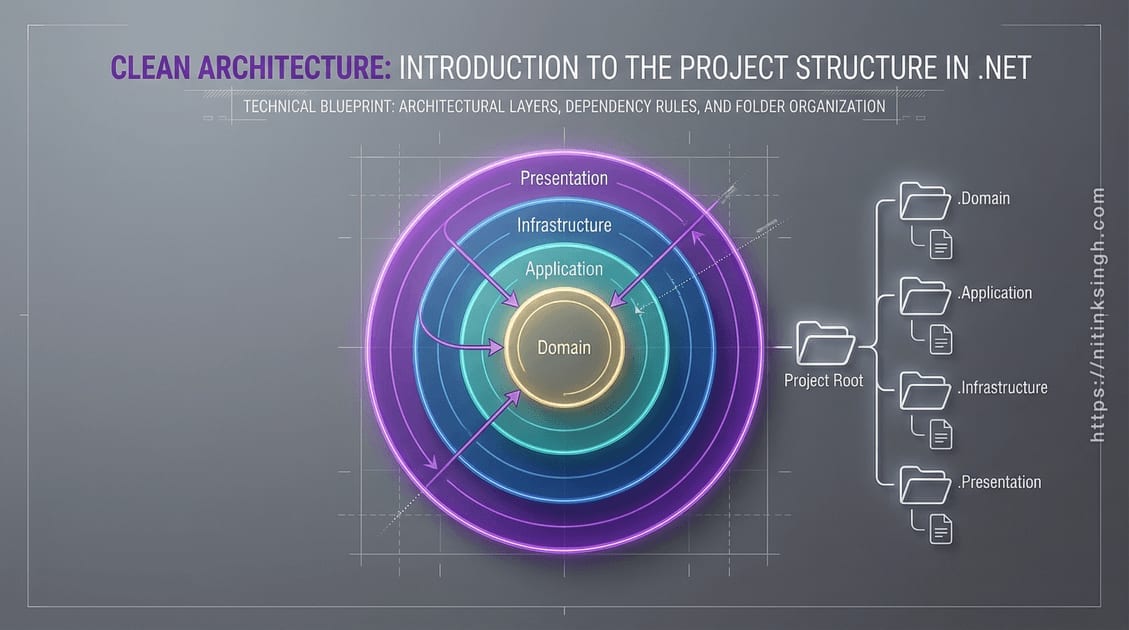
Program.cs is where service registration goes to rot. It starts at five lines, then every feature adds its repositories, validators, and settings bindings until nobody can tell which layer owns what. The Contact Management Application avoids that with one rule: each layer registers its own services through an extension method, and Program.cs only calls those methods. This post walks through that setup layer by layer, using the real code, including two spots where the real code deserves a warning label.
Dependency Injection Setup Across Layers