

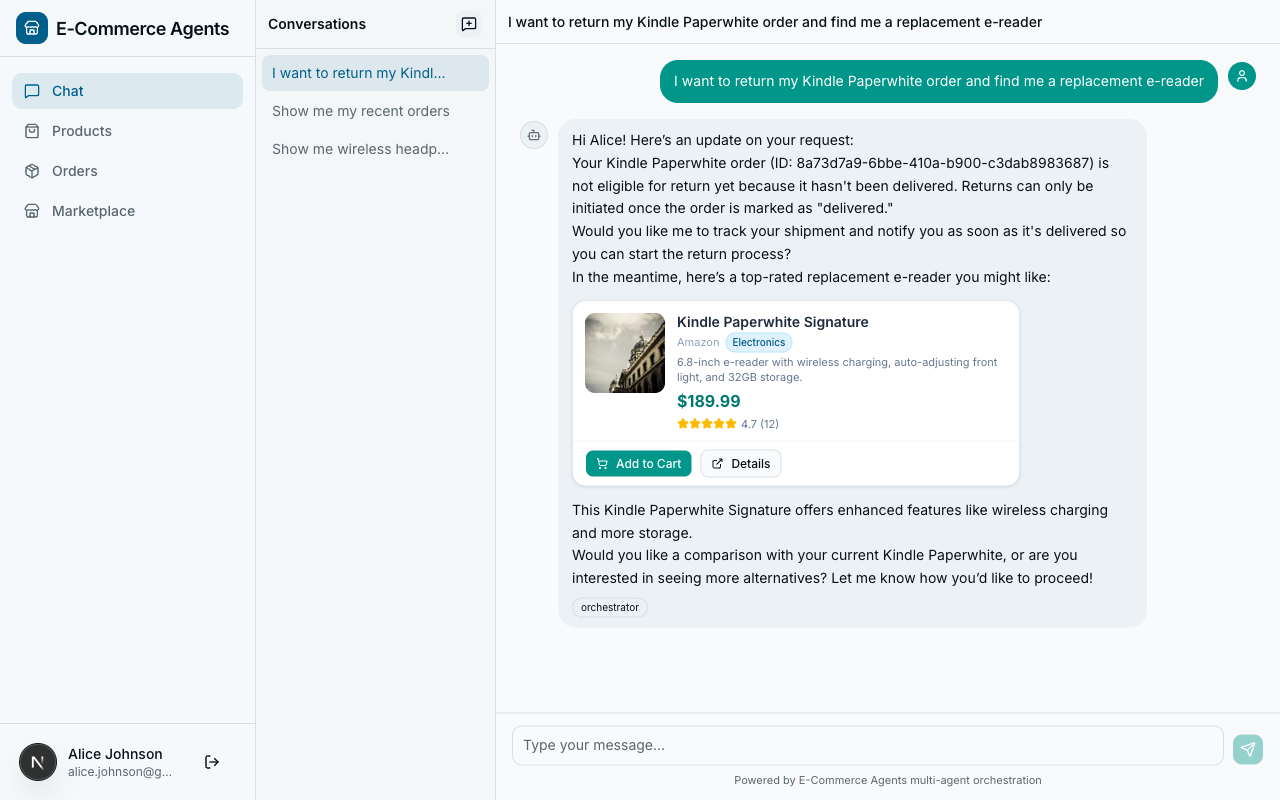
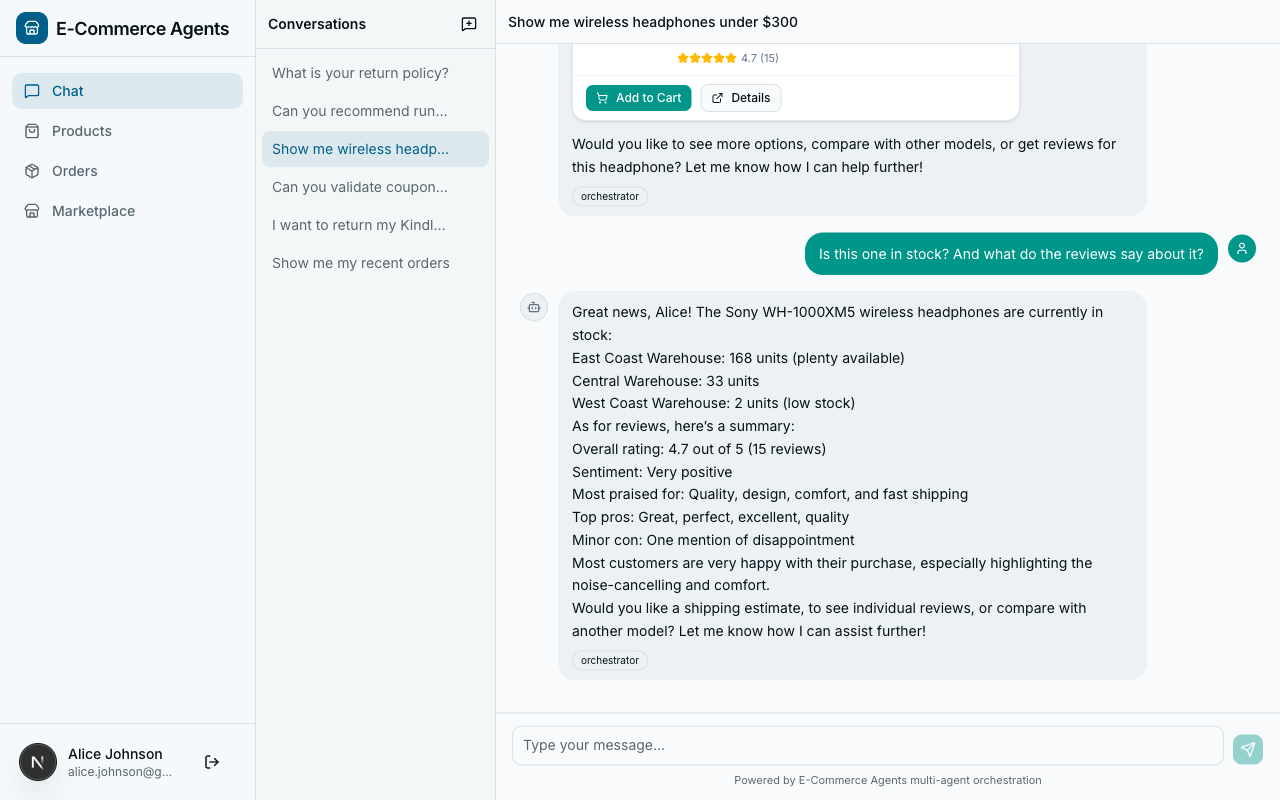
Throughout this series, we have relied on a single orchestration pattern: the LLM decides what to do next. The orchestrator receives a user message, its system prompt teaches it which specialists exist, and the model picks the right one. For most interactions – “search for headphones,” “what is my order status,” “any coupons available?” – this works well. The LLM routes accurately, the specialist responds, and the orchestrator formats the answer.
But some operations are not single-step routing decisions. Consider a customer who says: “I want to return my headphones and get a replacement.” That request requires a specific sequence of actions: verify the order is eligible for return, initiate the return process, search for replacement products in a similar price range, and check whether the customer’s loyalty tier qualifies for a discount on the replacement. These steps depend on each other. The replacement search needs the refund amount from the return initiation. The discount check needs the replacement product list from the search.
An LLM can figure this out – eventually. It will reason through the steps, call tools one at a time, and probably get the sequence right. But “probably” is the operative word. The LLM might skip the eligibility check and jump straight to initiating a return. It might forget to apply the loyalty discount. It might call steps in the wrong order because it is optimizing for the next token, not the business process.
When the sequence matters, when steps have dependencies, and when correctness is more important than flexibility, you want a workflow – a deterministic graph of steps that executes in a defined order, passes state between steps, and handles errors predictably.
This article introduces graph-based workflows as a complement to LLM-driven routing. We will build two workflows for ECommerce Agents: a sequential return-and-replace pipeline and a parallel pre-purchase research workflow. Both use plain Python – dataclasses for state, async functions for steps, and asyncio.gather for parallelism. No new framework dependencies, no workflow DSL, just structured execution logic that the orchestrator can invoke as a tool.
When Workflows Beat Ad-Hoc Routing#
Not every multi-step operation needs a workflow. Here is a decision framework for when to use one:
| Signal | LLM Routing | Workflow |
|---|---|---|
| Step count | 1-2 steps | 3+ steps with dependencies |
| Step order | Order does not matter | Specific sequence required |
| Data passing | Each step is independent | Step N needs output from step N-1 |
| Error handling | Retry or skip is fine | Must abort or compensate on failure |
| Determinism | “Usually correct” is acceptable | Must always follow the same path |
| Auditability | Trace logs are sufficient | Need an explicit execution record |
| Parallelism | Not needed | Multiple steps can run concurrently |
The return-and-replace scenario hits every “Workflow” column. The step order is fixed (you cannot search for replacements before knowing the refund amount). Each step passes data forward. If the eligibility check fails, the entire operation must stop – not continue hopefully. And you want an explicit record of which steps completed and which did not.
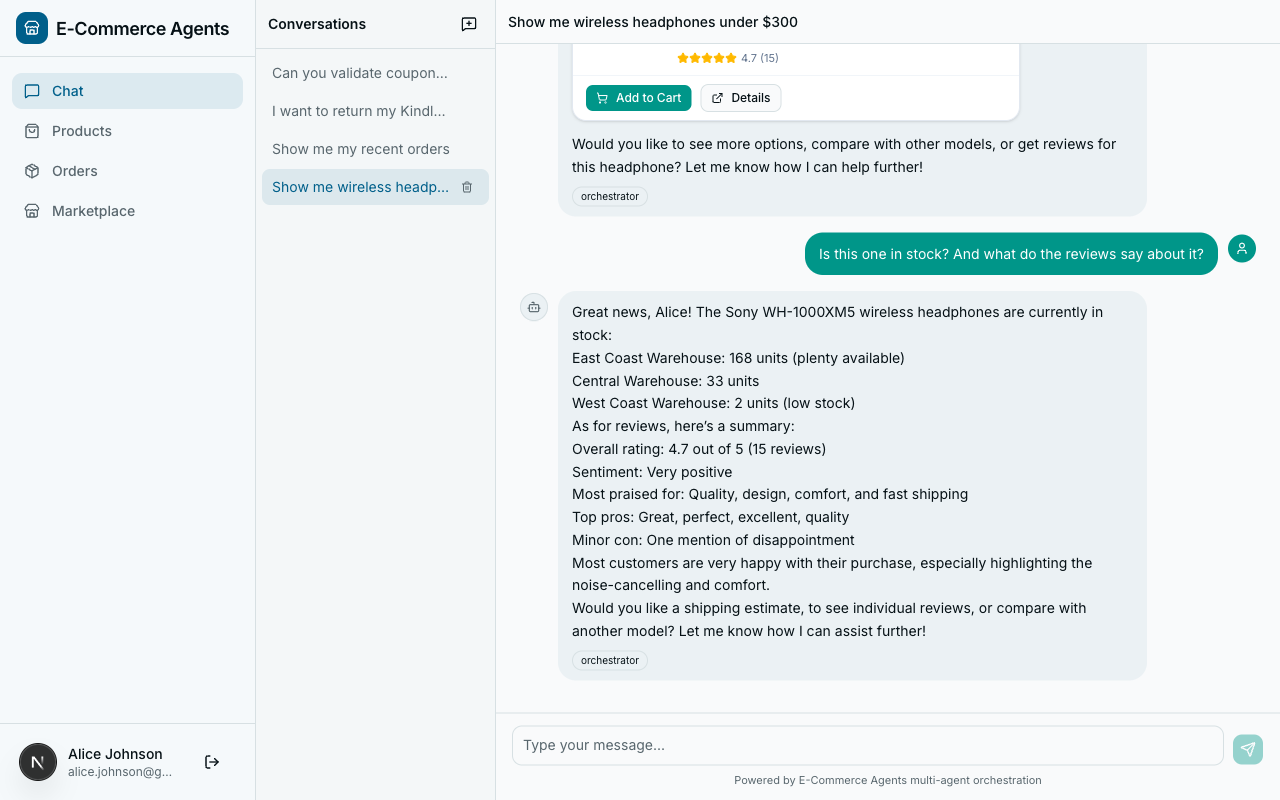
The pre-purchase research scenario adds another dimension: parallelism. When a customer asks “Should I buy this product?”, the system can gather review sentiment, inventory status, and price history simultaneously. These three queries have no dependencies on each other. Running them in sequence wastes time. Running them in parallel, then synthesizing the results, cuts the total latency from the sum of all steps to the duration of the slowest one.
LLM routing does not naturally handle parallelism. The model calls one tool at a time, waits for the response, reasons about it, and calls the next tool. Even if the model conceptually understands that two queries are independent, the tool-calling loop is inherently sequential. A workflow can fire all three queries concurrently and wait for all of them to complete.
The Workflow Pattern#
Every workflow in ECommerce Agents follows three structural components:
- State – a dataclass that holds the input parameters, the intermediate results from each step, and an execution log (completed steps, errors).
- Steps – async functions that receive the state, perform one operation (typically calling a tool function), and return the updated state.
- Execution – a
execute()method that runs the steps in order, handles errors, and manages early exits.
This is deliberately simple. There is no workflow DSL, no YAML configuration, no serialization layer. The workflow is a Python class with async methods. It is testable, debuggable, and readable. If you need features like checkpointing, retries with backoff, or persistent state across server restarts, you can layer those on top. But for the vast majority of multi-step agent operations, this pattern is sufficient.
The key insight is that workflows do not replace agents. They complement them. An agent still uses its LLM to understand the user’s intent and decide whether a workflow is needed. The workflow handles the deterministic execution. The agent handles the natural language interface.
Return and Replace Workflow#
The return-and-replace workflow demonstrates sequential execution with conditional early exit. Here is the directed graph:
Four steps, one conditional branch. If the order is not eligible for return, the workflow exits immediately. Otherwise, it proceeds through initiation, replacement search, and discount application.
State Definition#
The state dataclass captures everything the workflow needs to track:
@dataclass
class WorkflowState:
    """Tracks state through the return-and-replace workflow."""
    user_email: str
    order_id: str
    reason: str = ""

    # Populated by steps
    return_eligible: bool = False
    return_id: str | None = None
    refund_amount: float = 0.0
    replacement_products: list[dict] = field(default_factory=list)
    applied_discount: dict | None = None

    # Execution tracking
    completed_steps: list[str] = field(default_factory=list)
    errors: list[str] = field(default_factory=list)
The top three fields are inputs – provided by the caller. The middle section holds outputs from each step. The bottom section is the execution log. After the workflow completes, you can inspect completed_steps to see exactly what ran and errors to see what went wrong.
This is intentionally flat. There is no nesting, no complex object graph. Every field is directly readable and serializable. When the orchestrator needs to summarize the workflow result for the user, it can iterate the fields without unpacking layers of abstraction.
The Workflow Class#
The workflow class wires the steps together:
class ReturnAndReplaceWorkflow:
    """Graph-based workflow: Return -> Refund -> Search -> Discount.

    Instead of relying on the LLM to figure out the sequence,
    this workflow explicitly defines the steps and their order.
    """

    def __init__(self, tools: dict[str, Any]):
        """Initialize with a dict of tool functions keyed by name."""
        self.tools = tools

    async def execute(self, state: WorkflowState) -> WorkflowState:
        """Execute the full workflow, step by step."""
        steps = [
            ("check_eligibility", self._check_eligibility),
            ("initiate_return", self._initiate_return),
            ("search_replacements", self._search_replacements),
            ("apply_discount", self._apply_discount),
        ]

        for step_name, step_fn in steps:
            try:
                logger.info("workflow.step name=%s order=%s", step_name, state.order_id)
                state = await step_fn(state)
                state.completed_steps.append(step_name)

                # Early exit conditions
                if step_name == "check_eligibility" and not state.return_eligible:
                    logger.info("workflow.early_exit reason=not_eligible")
                    break

            except Exception as e:
                logger.exception("workflow.step_error name=%s", step_name)
                state.errors.append(f"{step_name}: {str(e)}")
                break

        return state
The constructor takes a dictionary of tool functions. This is the integration point with the rest of ECommerce Agents – the tools are the same async functions used by the agents, just passed in by reference rather than invoked by the LLM. The workflow calls them directly, with explicit parameters, in a defined order.
The execute() method iterates through the steps list. Each step receives the current state and returns an updated state. If a step throws an exception, the workflow records the error and stops. If the eligibility check returns not eligible, the workflow exits early before spending resources on the remaining steps.
Step Implementations#
Each step follows the same pattern: look up the tool function, call it with the appropriate arguments extracted from state, and write the results back to state.
async def _check_eligibility(self, state: WorkflowState) -> WorkflowState:
    """Step 1: Check if the order is eligible for return."""
    check_fn = self.tools.get("check_return_eligibility")
    if not check_fn:
        state.errors.append("check_return_eligibility tool not available")
        return state

    result = await check_fn(order_id=state.order_id)
    state.return_eligible = result.get("eligible", False)
    if not state.return_eligible:
        state.errors.append(result.get("reason", "Not eligible for return"))
    return state
The tool lookup uses dict.get() with a graceful fallback if the tool is not available. This makes the workflow resilient to partial tool configurations – useful in testing and in scenarios where not all specialist agents are deployed.
The return initiation step shows how data flows between steps:
async def _initiate_return(self, state: WorkflowState) -> WorkflowState:
    """Step 2: Initiate the return and get refund amount."""
    initiate_fn = self.tools.get("initiate_return")
    if not initiate_fn:
        state.errors.append("initiate_return tool not available")
        return state

    result = await initiate_fn(
        order_id=state.order_id,
        reason=state.reason or "Customer requested replacement",
        refund_method="store_credit",
    )
    if "error" in result:
        state.errors.append(result["error"])
        return state

    state.return_id = result.get("return_id")
    state.refund_amount = result.get("refund_amount", 0.0)
    return state
The refund amount written to state.refund_amount here is read by the next step, _search_replacements, to set the price ceiling for replacement product search. This explicit data flow is one of the main advantages over LLM-driven routing – you can trace exactly how data moves through the pipeline by reading the code.
The replacement search step consumes the refund amount with a 20% buffer:
async def _search_replacements(self, state: WorkflowState) -> WorkflowState:
    """Step 3: Search for replacement products in a similar price range."""
    search_fn = self.tools.get("search_products")
    if not search_fn:
        state.errors.append("search_products tool not available")
        return state

    results = await search_fn(
        max_price=state.refund_amount * 1.2,  # Allow 20% above refund
        min_rating=4.0,
        limit=5,
    )
    state.replacement_products = results if isinstance(results, list) else []
    return state
The 20% buffer is a business rule: we want to show customers slightly more expensive options because they might be willing to pay the difference. In LLM-driven routing, this rule would be buried in a system prompt and might or might not be followed. In the workflow, it is a line of code that always executes.
The final step, loyalty discount application, is optional – if the tool is not available, the step silently succeeds:
async def _apply_discount(self, state: WorkflowState) -> WorkflowState:
    """Step 4: Check if any loyalty discount applies to the replacement."""
    loyalty_fn = self.tools.get("get_loyalty_tier")
    if not loyalty_fn:
        return state  # Optional step, skip if unavailable

    result = await loyalty_fn()
    if result.get("discount_pct", 0) > 0:
        state.applied_discount = {
            "tier": result.get("tier"),
            "discount_pct": result.get("discount_pct"),
        }
    return state
This distinction between required and optional steps is straightforward in code but difficult to communicate to an LLM through a prompt. You would need to say something like “always check return eligibility and initiate the return, always search for replacements, but only apply a loyalty discount if you can, and don’t fail if you can’t.” That is fragile. The code is not.
Pre-Purchase Research Workflow#
The pre-purchase research workflow demonstrates a different pattern: parallel execution followed by sequential synthesis. When a customer is deciding whether to buy a product, we want to gather data from multiple sources simultaneously.
Three data-gathering tasks run concurrently in Phase 1. Once all three complete, the workflow checks if the product is in stock. If yes, it estimates shipping (which requires stock data, hence the sequential dependency). Finally, it synthesizes all gathered data into a recommendation.
Parallel Execution#
The execution method uses asyncio.gather to fire all three data-gathering tasks concurrently:
class PrePurchaseWorkflow:
    """Parallel research workflow: Reviews + Stock + Price run concurrently."""

    def __init__(self, tools: dict[str, Any]):
        self.tools = tools

    async def execute(self, state: ResearchState) -> ResearchState:
        """Execute research steps in parallel, then synthesize."""

        # Phase 1: Parallel data gathering
        results = await asyncio.gather(
            self._get_reviews(state),
            self._check_stock(state),
            self._get_price_history(state),
            return_exceptions=True,
        )

        for result in results:
            if isinstance(result, Exception):
                state.errors.append(str(result))

        # Phase 2: Sequential shipping estimate (depends on stock)
        if state.stock.get("in_stock"):
            try:
                state = await self._estimate_shipping(state)
            except Exception as e:
                state.errors.append(f"shipping: {str(e)}")

        # Phase 3: Synthesize recommendation
        state = self._synthesize(state)

        return state
The return_exceptions=True parameter on asyncio.gather is critical. Without it, if any of the three tasks throws an exception, the entire gather call fails and the other results are lost. With it, exceptions are returned as values alongside successful results. The loop after gather checks each result and logs exceptions without aborting the workflow. If the review service is down but stock and price data are available, the workflow still produces a useful (partial) recommendation.
The individual data-gathering methods are straightforward – each calls a single tool and writes the result to state:
async def _get_reviews(self, state: ResearchState) -> None:
    analyze_fn = self.tools.get("analyze_sentiment")
    if analyze_fn:
        state.reviews = await analyze_fn(product_id=state.product_id)
        state.completed_steps.append("reviews")

async def _check_stock(self, state: ResearchState) -> None:
    stock_fn = self.tools.get("check_stock")
    if stock_fn:
        state.stock = await stock_fn(product_id=state.product_id)
        state.completed_steps.append("stock")

async def _get_price_history(self, state: ResearchState) -> None:
    price_fn = self.tools.get("get_price_history")
    if price_fn:
        state.price_history = await price_fn(product_id=state.product_id, days=90)
        state.completed_steps.append("price_history")
Note that these methods mutate the shared state object. This is safe because each method writes to a different field (state.reviews, state.stock, state.price_history). There is no contention. If multiple steps wrote to the same field, you would need synchronization – but good workflow design avoids that by giving each step its own output slot.
Synthesis#
The synthesis step is a pure function – no async, no I/O, just data transformation:
def _synthesize(self, state: ResearchState) -> ResearchState:
    """Build a recommendation from all gathered data."""
    parts = []

    if state.reviews.get("sentiment"):
        parts.append(
            f"Reviews: {state.reviews['sentiment']} "
            f"({state.reviews.get('total_reviews', 0)} reviews)"
        )

    if state.stock.get("in_stock"):
        parts.append(f"Stock: {state.stock.get('total_quantity', 0)} units available")
    else:
        parts.append("Stock: Currently out of stock")

    if state.price_history.get("is_good_deal"):
        parts.append(
            f"Price: Good deal (below {state.price_history.get('average_price', 0):.0f} avg)"
        )
    elif state.price_history.get("trend"):
        parts.append(f"Price trend: {state.price_history['trend']}")

    if state.shipping.get("options"):
        cheapest = state.shipping["options"][0]
        parts.append(
            f"Shipping: from ${cheapest.get('price', 0):.2f}, "
            f"{cheapest.get('days', 'N/A')} days"
        )

    state.recommendation = " | ".join(parts) if parts else "Insufficient data for recommendation"
    return state
This synthesis produces a structured one-line summary. In practice, the orchestrator’s LLM would take this structured data and produce a more natural-language response for the customer. The workflow handles data gathering and structuring; the LLM handles presentation.
State Management#
Both workflows use dataclasses for state. This is a deliberate choice over dictionaries, Pydantic models, or custom state machines.
Why not dictionaries? Dictionaries are untyped. You can write state["refudn_amount"] with a typo and Python will happily create a new key. Dataclasses give you IDE autocomplete, type checking, and clear documentation of what fields exist.
Why not Pydantic models? Pydantic adds validation overhead on every field assignment. In a workflow where you are writing to state dozens of times across multiple steps, that overhead adds up. Dataclasses are lighter. You can always add a validate() method if you need boundary validation at specific checkpoints.
Why not a state machine library? The state is data, not transitions. We do not need transition("initiated" -> "searching") semantics. The step list in execute() already defines the transitions implicitly. Adding a state machine library would increase complexity without adding value for workflows of this size.
The completed_steps list serves as both an audit log and a progress indicator. After execution, you can check exactly which steps ran:
state = await workflow.execute(initial_state)

if "search_replacements" in state.completed_steps:
    # Replacement search ran successfully
    print(f"Found {len(state.replacement_products)} replacements")

if state.errors:
    # Something went wrong
    print(f"Errors: {state.errors}")
Error Handling and Early Exit#
The two workflows demonstrate different error handling strategies.
The return-and-replace workflow uses fail-fast. If any step throws an exception or a critical check fails, the workflow stops. This is appropriate because the steps have hard dependencies – there is no point searching for replacements if the return was not initiated. The early exit on eligibility failure saves three unnecessary API calls.
The pre-purchase research workflow uses fail-soft. If one of the parallel data sources is unavailable, the workflow continues with whatever data it can gather. A partial recommendation (“Reviews: Positive, Stock: 50 units”) is more useful than no recommendation at all. The return_exceptions=True on asyncio.gather enables this pattern.
Choose your strategy based on the business requirement. Multi-step transactions (returns, purchases, refunds) usually need fail-fast because partial completion leaves the system in an inconsistent state. Research and advisory operations (recommendations, comparisons, summaries) benefit from fail-soft because partial data still has value.
Comparing Approaches#
ECommerce Agents now uses three orchestration approaches. Here is when each one fits:
| Approach | Example | Routing | Determinism | Parallelism |
|---|---|---|---|---|
| LLM Routing | “Find me wireless headphones” | LLM picks specialist | Non-deterministic | Sequential only |
| Sequential Workflow | “Return and replace my order” | Defined step list | Deterministic | No |
| Parallel Workflow | “Should I buy this product?” | Defined phases | Deterministic | Yes |
LLM routing excels at open-ended requests where the user’s intent is ambiguous or could map to multiple specialists. The LLM’s reasoning ability is genuinely valuable here – it can parse natural language, resolve ambiguity, and pick the right specialist without hardcoded rules.
Sequential workflows excel at business processes with defined steps, dependencies between steps, and rules about when to abort. They trade flexibility for correctness. The LLM does not get a vote on whether to check eligibility first – it always happens first.
Parallel workflows excel at fan-out/fan-in patterns where multiple data sources need to be queried and combined. The latency improvement from parallelism is real and measurable.
The three approaches are not mutually exclusive. The orchestrator’s LLM can decide that a request requires a workflow and invoke it as a tool. The “LLM decides what to do” pattern still governs the top level. The workflow governs the execution once a multi-step operation is selected.
When to Use Which#
Here is a practical heuristic:
Use LLM routing when:
- The user’s request maps to a single specialist
- The response requires natural language generation
- Flexibility matters more than predictability
- You are handling conversational queries, not transactional operations
Use a sequential workflow when:
- The operation has 3+ steps with data dependencies
- The order of operations matters for correctness
- Failure at any step should abort the remaining steps
- You need an explicit audit trail of what ran
- The business process is well-defined and rarely changes
Use a parallel workflow when:
- Multiple independent data sources need to be queried
- Latency is a concern and tasks can run concurrently
- Partial results are acceptable (fail-soft)
- The final output requires synthesis from multiple inputs
Use a hybrid (LLM routing + workflow) when:
- Complex requests need intent classification before execution
- Some paths require workflows, others require ad-hoc routing
- You want the LLM to handle the conversational layer while the workflow handles the transactional layer
Most production agent systems end up using all three. The LLM handles the 80% of requests that are straightforward single-step queries. Workflows handle the 20% that require multi-step, multi-agent coordination. The system is more reliable because each approach is applied where it works best.
Gotchas and Production Concerns#
State mutation in parallel steps. The pre-purchase workflow works because each parallel task writes to a different field. If two tasks wrote to the same field concurrently, you would get a race condition. Design your state dataclass so each parallel step has its own output slot.
Tool function signatures. The workflows call tool functions directly, bypassing the LLM’s function-calling interface. This means the tool functions need to be callable with keyword arguments – which they already are in ECommerce Agents because of MAF’s @tool decorator pattern. If your tools expect special context that the LLM framework normally provides, you will need to set that up manually.
Timeout handling. Neither workflow shown here has a timeout. In production, you want both a per-step timeout and a total workflow timeout. Wrap step calls in asyncio.wait_for() and the entire execute() in a similar guard.
Idempotency. The return initiation step has side effects – it creates a return record in the database. If the workflow fails after initiation but before search, re-running the workflow would create a duplicate return. Production workflows need idempotency checks: “Has a return already been initiated for this order? If yes, skip to the next step.”
Testing. Workflows are straightforward to test because you control the tool functions. Pass in mock tools that return predetermined results, run the workflow, and assert the final state. No LLM involved, no non-determinism, no token costs.
async def test_return_workflow_ineligible():
    mock_tools = {
        "check_return_eligibility": mock_check_fn(eligible=False, reason="Past return window"),
    }
    workflow = ReturnAndReplaceWorkflow(tools=mock_tools)
    state = WorkflowState(user_email="test@example.com", order_id="ORD-001")

    result = await workflow.execute(state)

    assert not result.return_eligible
    assert result.completed_steps == ["check_eligibility"]
    assert "Past return window" in result.errors[0]
No API keys, no database, no mocking an LLM. The workflow is a pure function of its inputs. That testability alone is worth the pattern.
Series Conclusion#
This is Part 11, the final article in the Building Multi-Agent AI Systems series. Over twelve articles, we have gone from “what is an agent?” to deterministic graph-based workflows running across six coordinated microservices. Here is what we covered:
Part 1 established the mental model – agents are not chatbots. They reason, use tools, and take autonomous action – and built the first working agent with MAF’s @tool decorator and the tool-calling loop. Part 2 tackled prompt engineering for agents: grounding rules, role-based instructions, and YAML-configured system prompts that prevent hallucination. Part 3 went deep on tool design – database-backed tools with asyncpg, user-scoped queries via ContextVars, and the taxonomy of query, action, and validation tools.
Part 4 introduced multi-agent orchestration with the hub-and-spoke pattern, where one orchestrator routes to five specialist agents, together with the A2A protocol for agent-to-agent communication, agent cards, and service discovery. Part 5 brought observability with OpenTelemetry and the .NET Aspire Dashboard – cross-agent traces, auto-instrumented database queries and HTTP calls, and trace ID correlation in logs.
Part 6 moved from plain text to rich interactive cards in the frontend, turning agent JSON output into product cards, order timelines, and clickable actions, and added streaming with Server-Sent Events to take the perceived time-to-first-token from seconds to milliseconds. Part 7 locked everything down with JWT authentication, role-based access control, user-scoped data, inter-agent shared secrets, and a Docker Compose deployment with a multi-target Dockerfile and a single dev.sh script that stands up eleven services from scratch.
Part 8 gave agents persistent memory – storing user preferences across conversations with pgvector-backed semantic recall. Part 9 built an evaluation framework for testing agent quality – golden datasets, custom scorers, and CI/CD integration. Part 10 integrated the Model Context Protocol, replacing hand-coded tools with standardized MCP servers that any agent can discover and consume. And this article, Part 11, showed how to move beyond LLM-driven routing to deterministic workflows for complex multi-step operations.
The common thread across all twelve articles is pragmatism. We did not build a toy demo. ECommerce Agents has a real database with pgvector embeddings, real authentication with JWTs and RBAC, real observability with distributed traces, real streaming with SSE, and real evaluation with automated test suites. Every pattern in this series was chosen because it solves a production problem, not because it looks impressive in a demo.
The complete codebase is at github.com/nitin27may/e-commerce-agents. Clone it, run ./scripts/dev.sh, and everything starts. Read the code, break things, add a seventh agent. The best way to learn agent systems is to build one.
If you have been following along since Part 1, you now have the knowledge to build, test, deploy, and operate a production multi-agent system. The tools are mature enough. The patterns are proven enough. The hard part is no longer technology – it is figuring out which problems in your domain are genuinely better solved by agents than by traditional software.
Choose those problems carefully. Build the agents well. And when the sequence matters, use a workflow.